

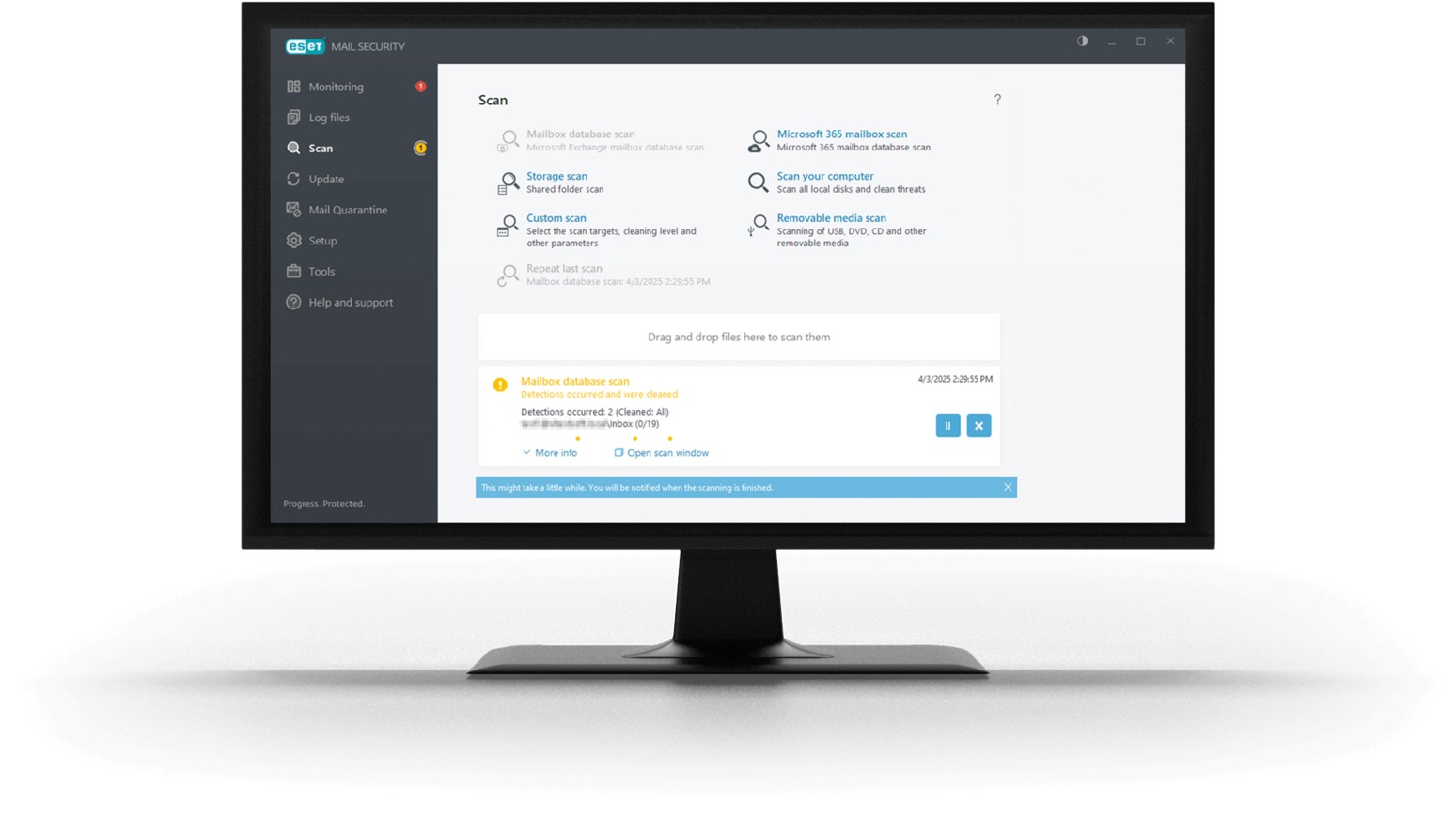
How To Manage Antivirus Alerts And Notifications
Pop-ups, warnings, and system messages flash across the screen at the worst possible moments. These interruptions create confusion and frustration, especially when every alert seems critical. A calm, organized approach turns this digital noise into manageable information. Effective handling of these notifications saves time and reduces stress.
This guide offers clear steps for taking control of antivirus software alerts without feeling overwhelmed.
Read the alert fully before acting:
Every notification contains specific details about the detected issue. Reading the entire message provides clues about the file name, threat type, and recommended action. Skimming leads to mistakes, such as deleting safe files or allowing dangerous programs. Take those extra seconds to process the information. This simple habit prevents costly errors and builds confidence in handling future warnings.
Set a regular schedule for checking notifications:
Constant pop-ups disrupt workflow and create anxiety. Designating specific times for reviewing alerts maintains focus and productivity. Morning and late afternoon work well for many schedules. This routine ensures no critical warning gets overlooked while keeping the workday flowing smoothly. A consistent schedule transforms chaotic interruptions into orderly tasks.
Customize alert frequency and types:
Modern antivirus software offers flexible settings for notification preferences. Adjusting these options reduces unnecessary interruptions while keeping important warnings visible. Low-risk events can generate silent logs instead of immediate pop-ups. High-risk detections still command full attention. This customization creates a balanced system that respects the user’s work style and security needs.
Take decisive action on each alert:
Procrastination turns simple warnings into complex problems. Deleting a confirmed threat immediately prevents potential damage. Quarantining suspicious files allows for future analysis without risk. Trusting the software’s recommendation works for standard detections. Each alert needs a firm, timely response. Quick decisions keep the system secure and the notification queue empty.
Review logs for patterns and learning:
The history of past alerts holds valuable lessons about system behavior. Weekly log reviews reveal recurring threats, false positives, or vulnerable applications. This analysis improves future responses and highlights areas needing extra attention. Recognizing patterns turns reactive handling into proactive management. The logs become a practical tool rather than forgotten data.
Keep the software updated without delay:
Outdated protection misses new threats and generates unnecessary warnings. Enabling automatic updates ensures the latest definitions guide every alert. Manual checks confirm that updates install correctly. Current software provides accurate threat assessments, reducing false alarms. This practice directly reduces notification frequency and increases overall system reliability.